Skills

Design Thinking, User Journey, Visual design, Wireframes

Tools

Figma, Miro, Whimsical, Photoshop, Illustrator

Year

2020

Woosh

This case study is based on mobility issues happening in Madrid while focusing on creating a business model out of it. 
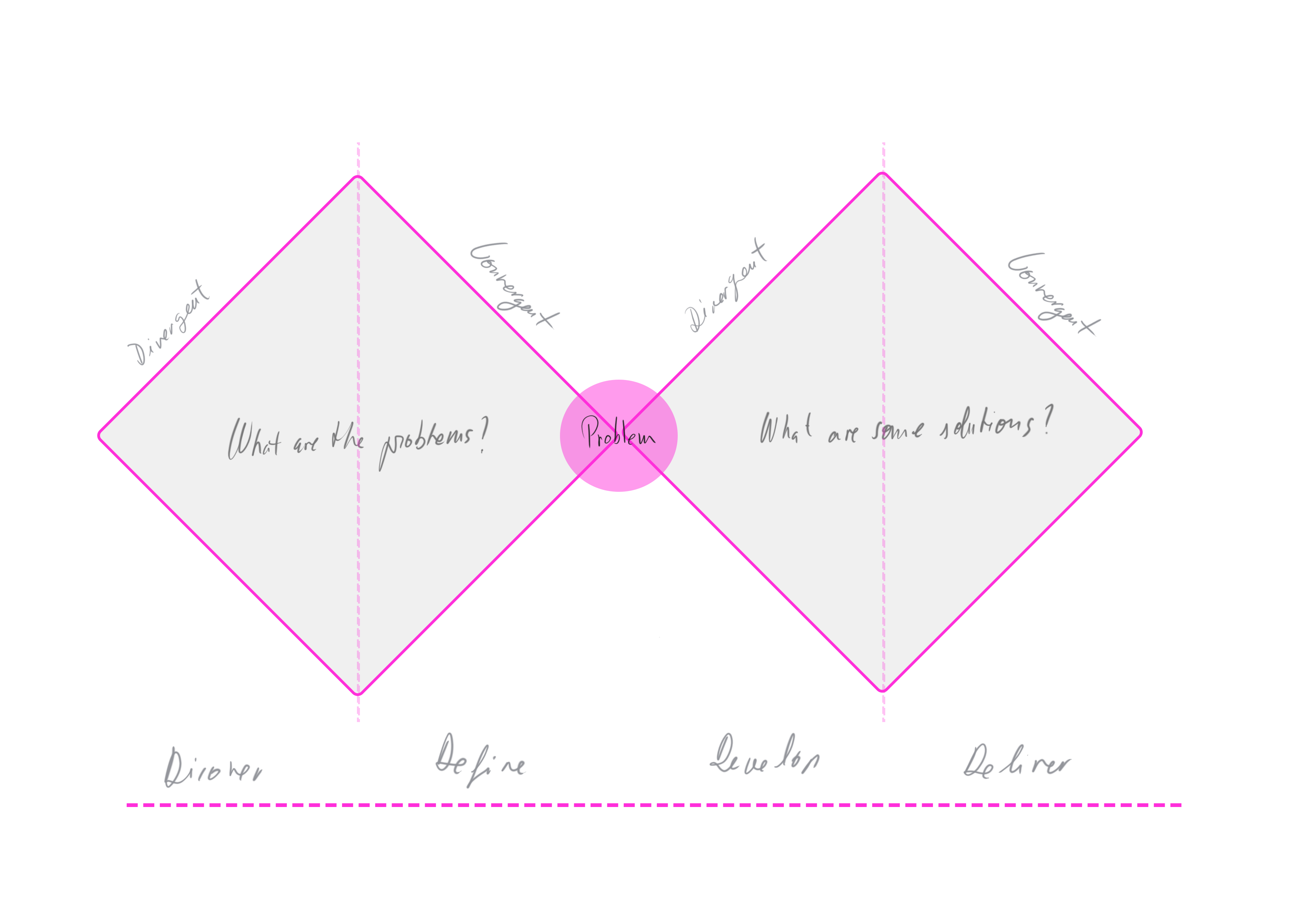
Overview - Double Diamond

The project has been followed by the Double Diamond structure which enables achieving any goals from this project by finding, defining and understanding the user’s needs. This structure allows designers to go back and forth as much as they need between the stages . Therefore, the problem can be visualised in a more holistic way than if it were in a linear process.
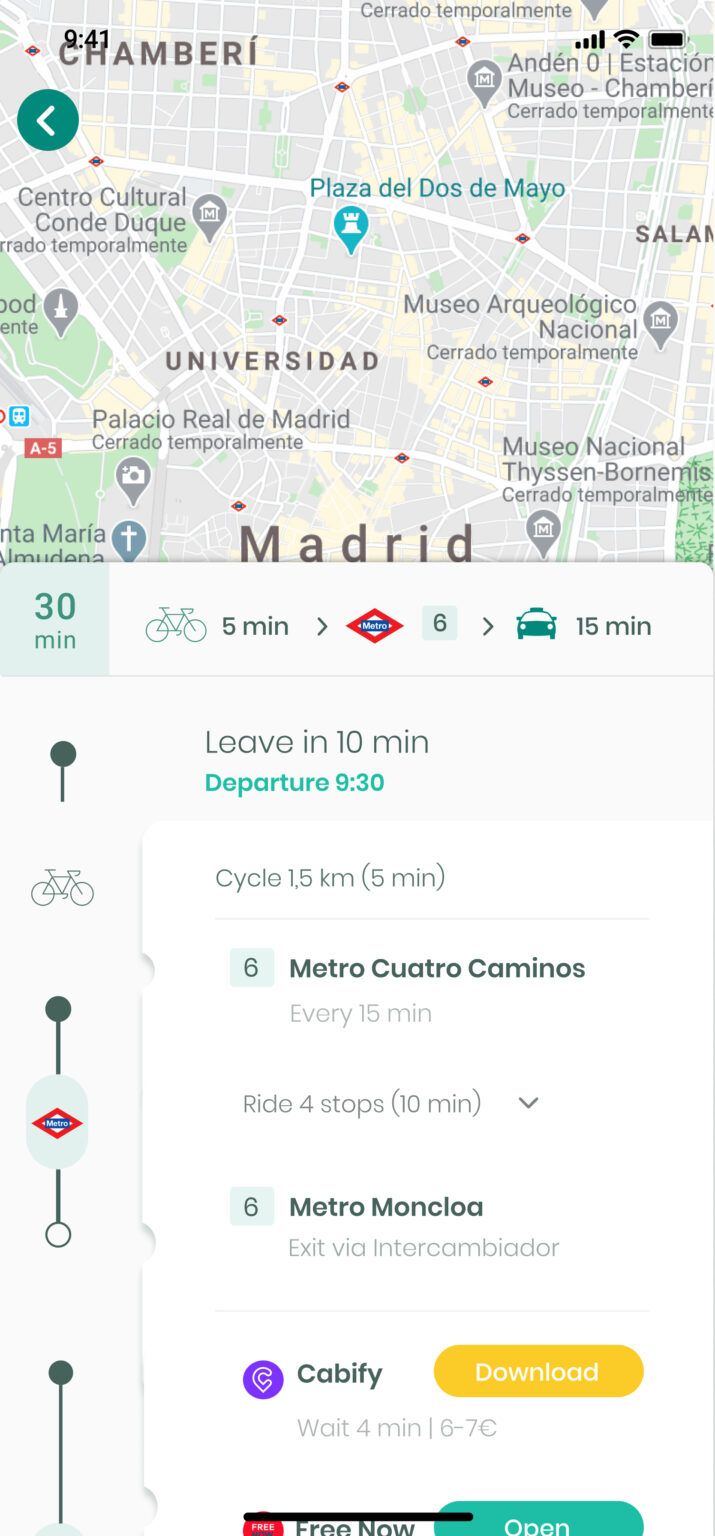
Homescreen & Planning a route

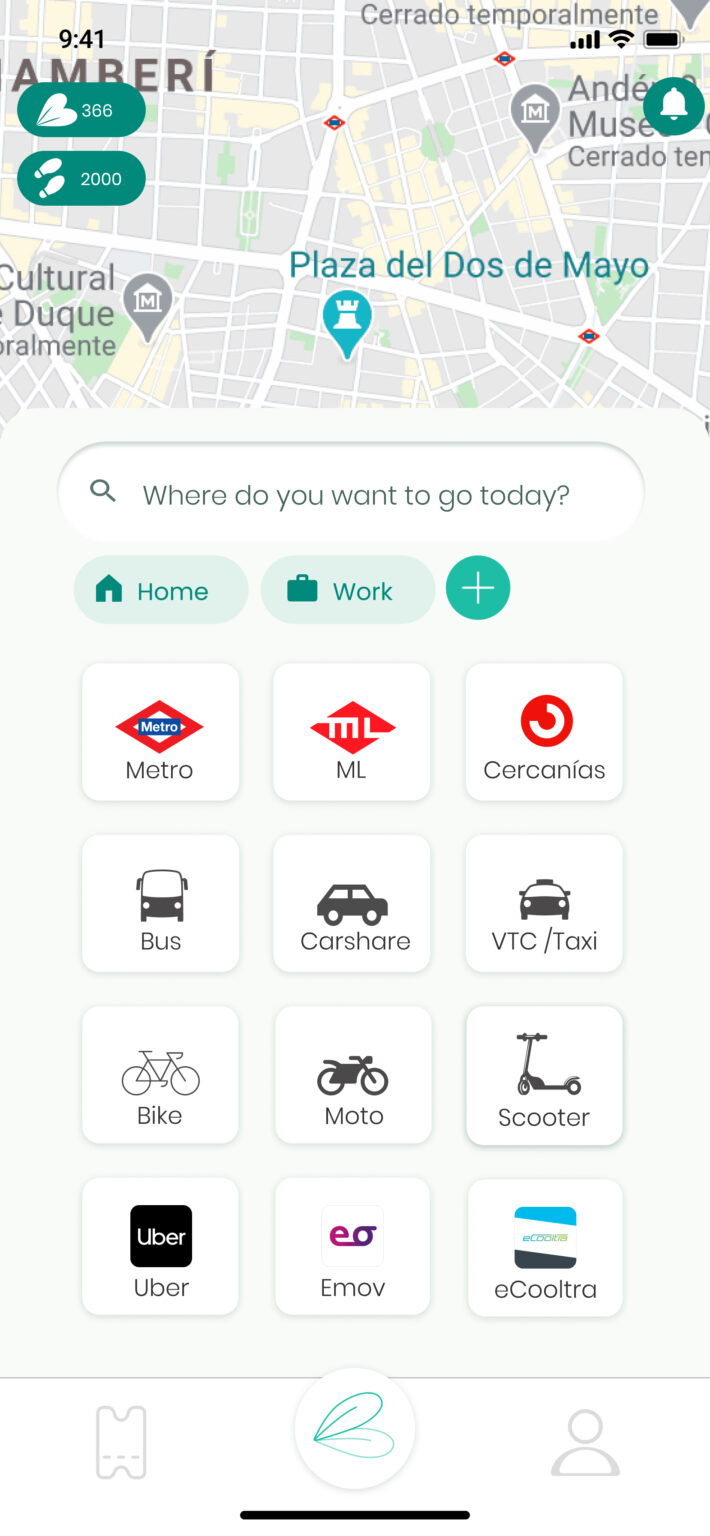
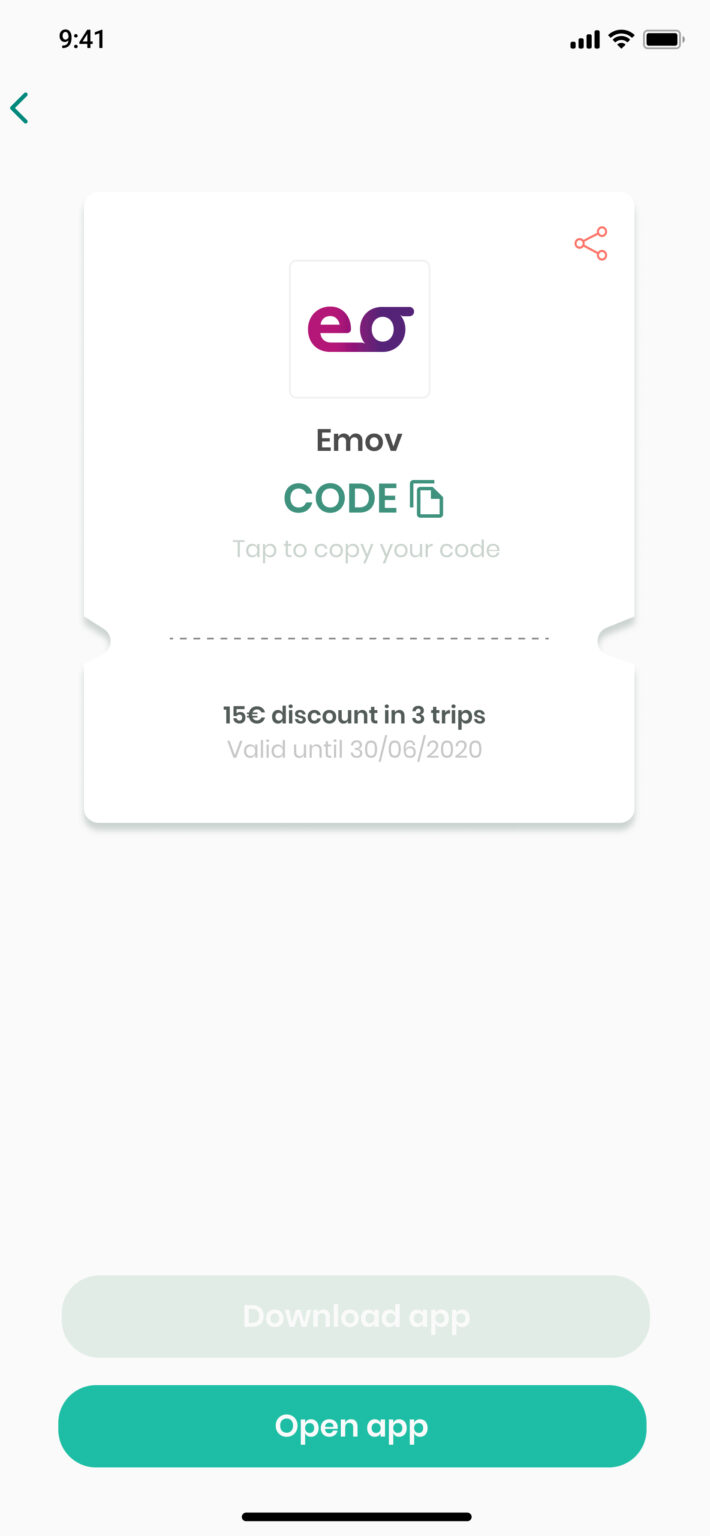
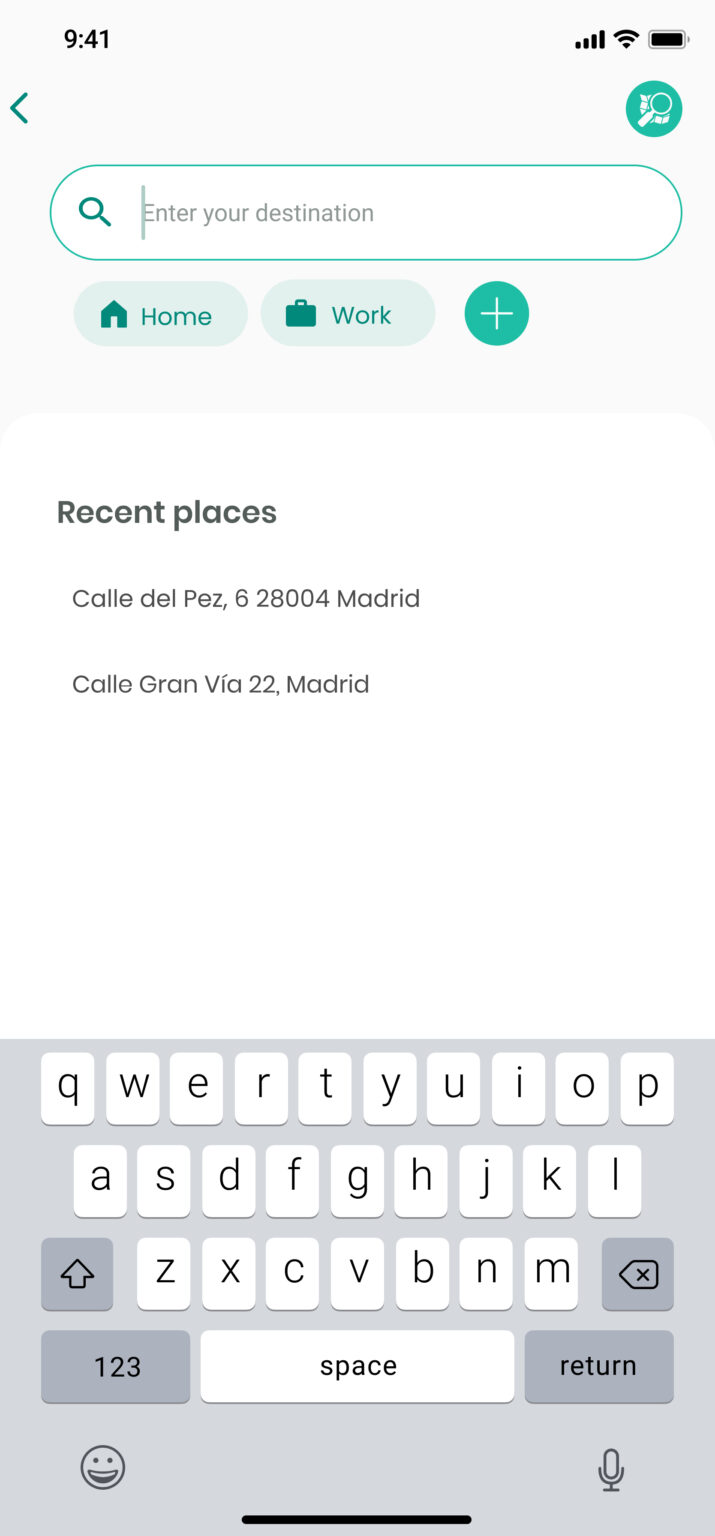
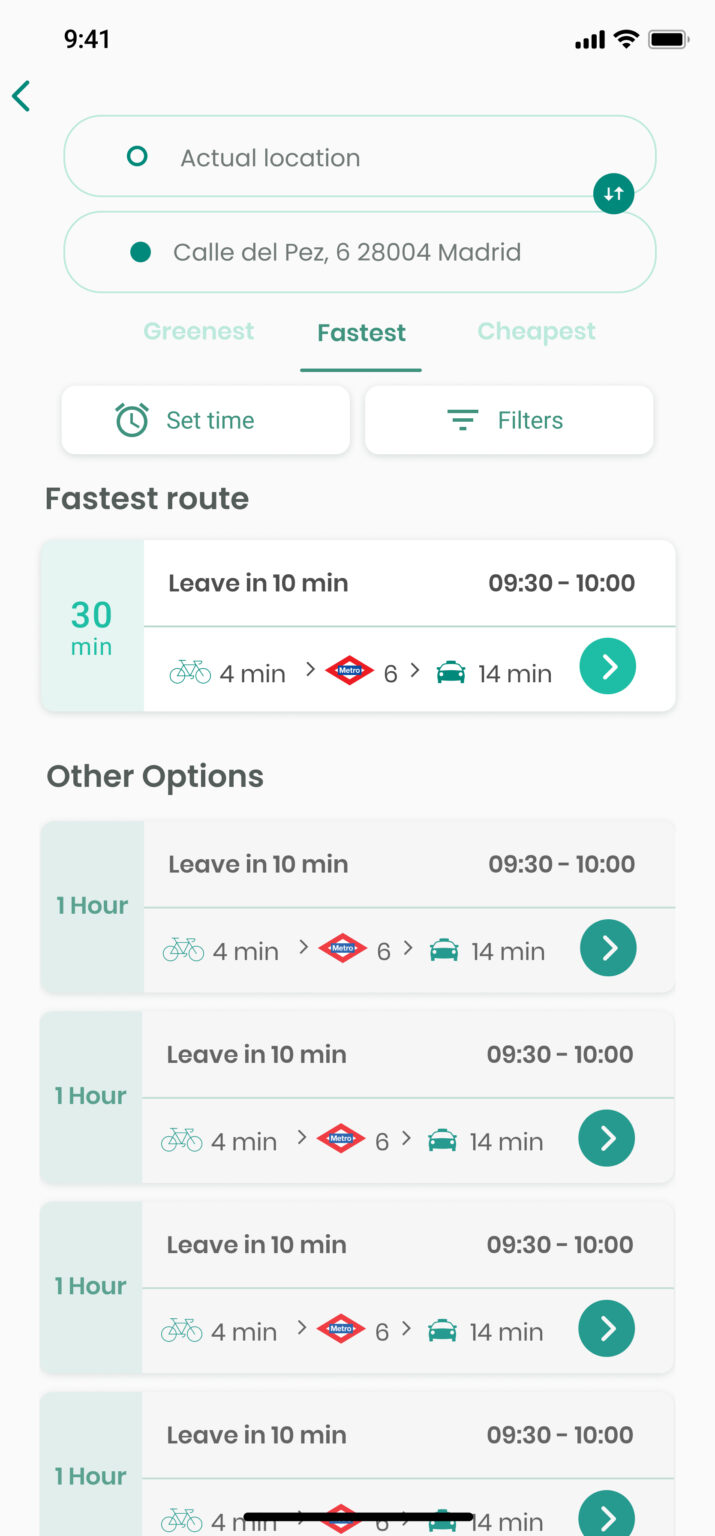
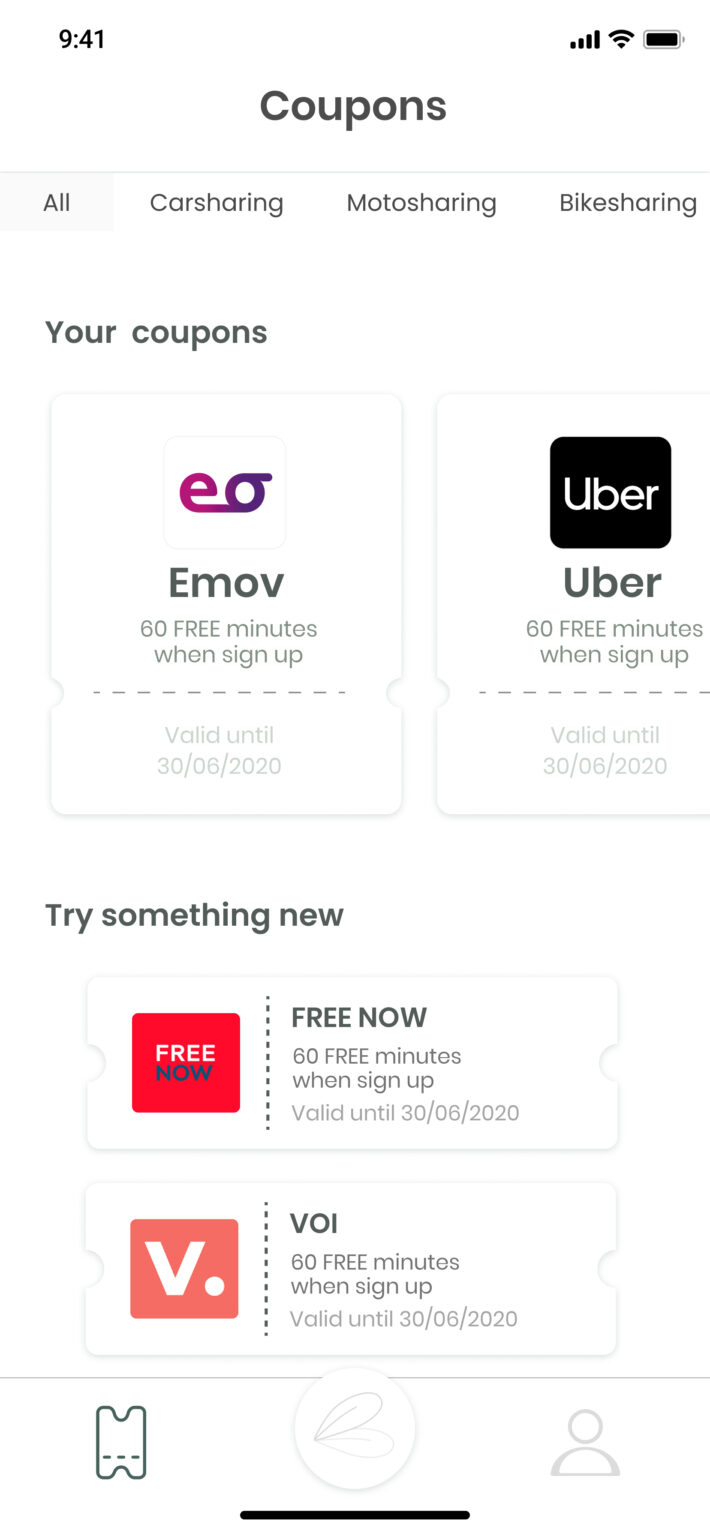
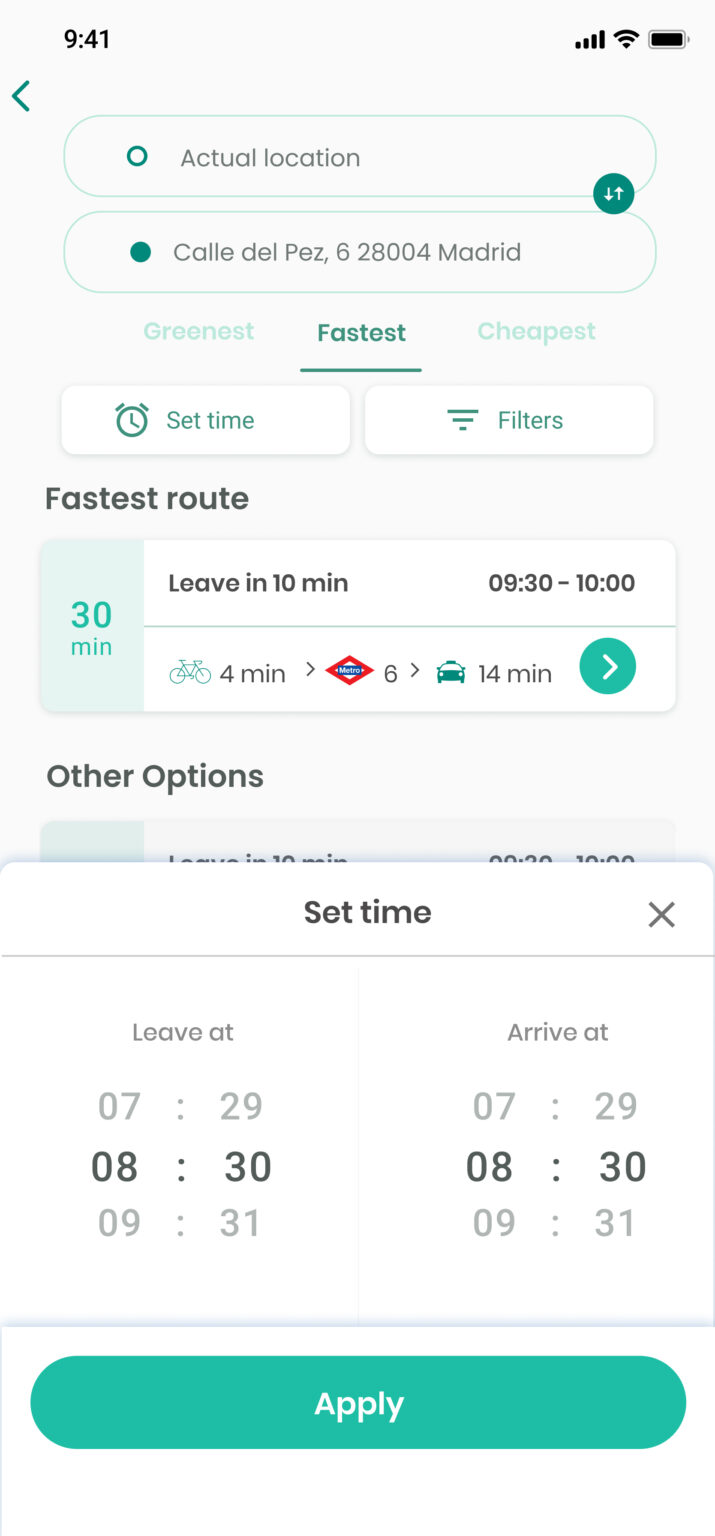
It starts with the launch screen and its logo, then is followed by the card transports menu for exploring the map. The steps forward show the way to plan a route and the visibility of new offers or discounts in different transport services available for the user.

Travel with carsharing

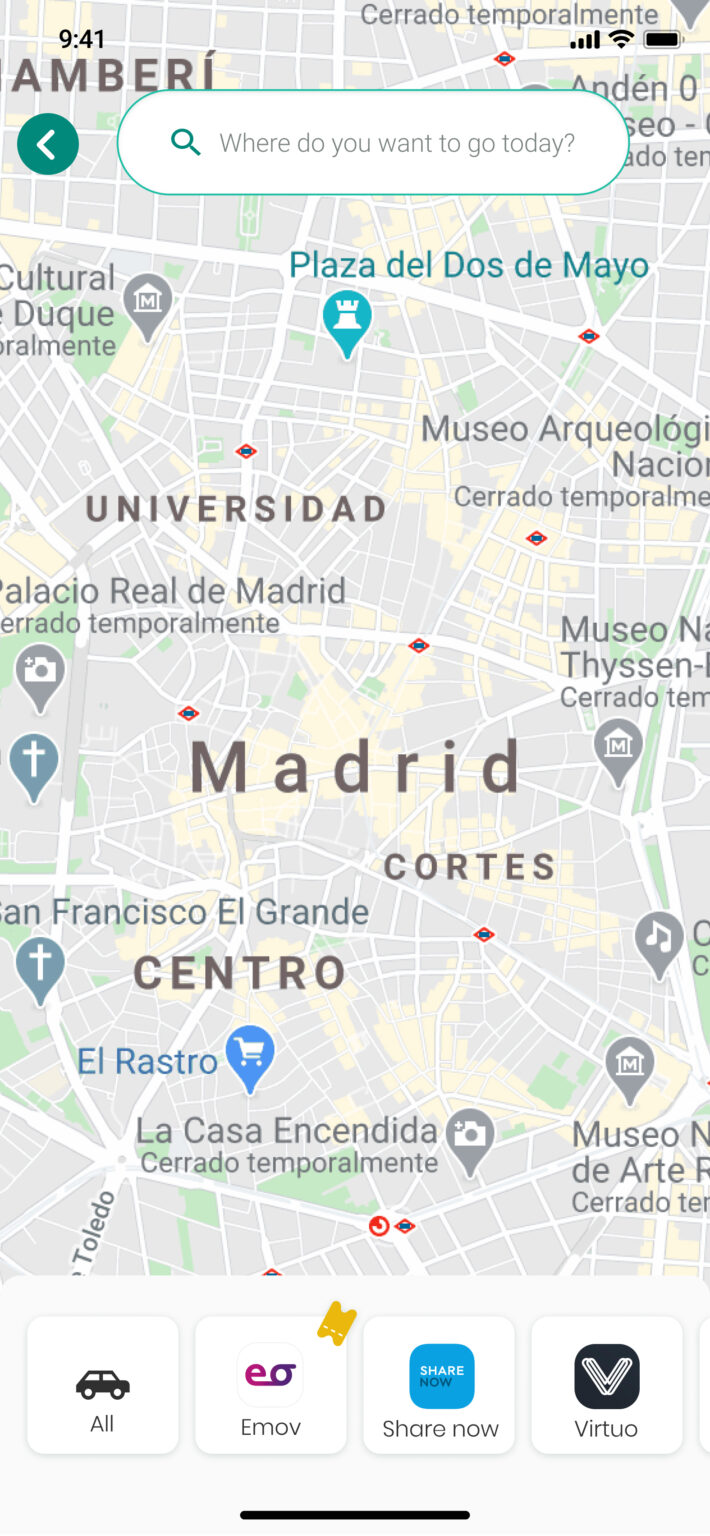
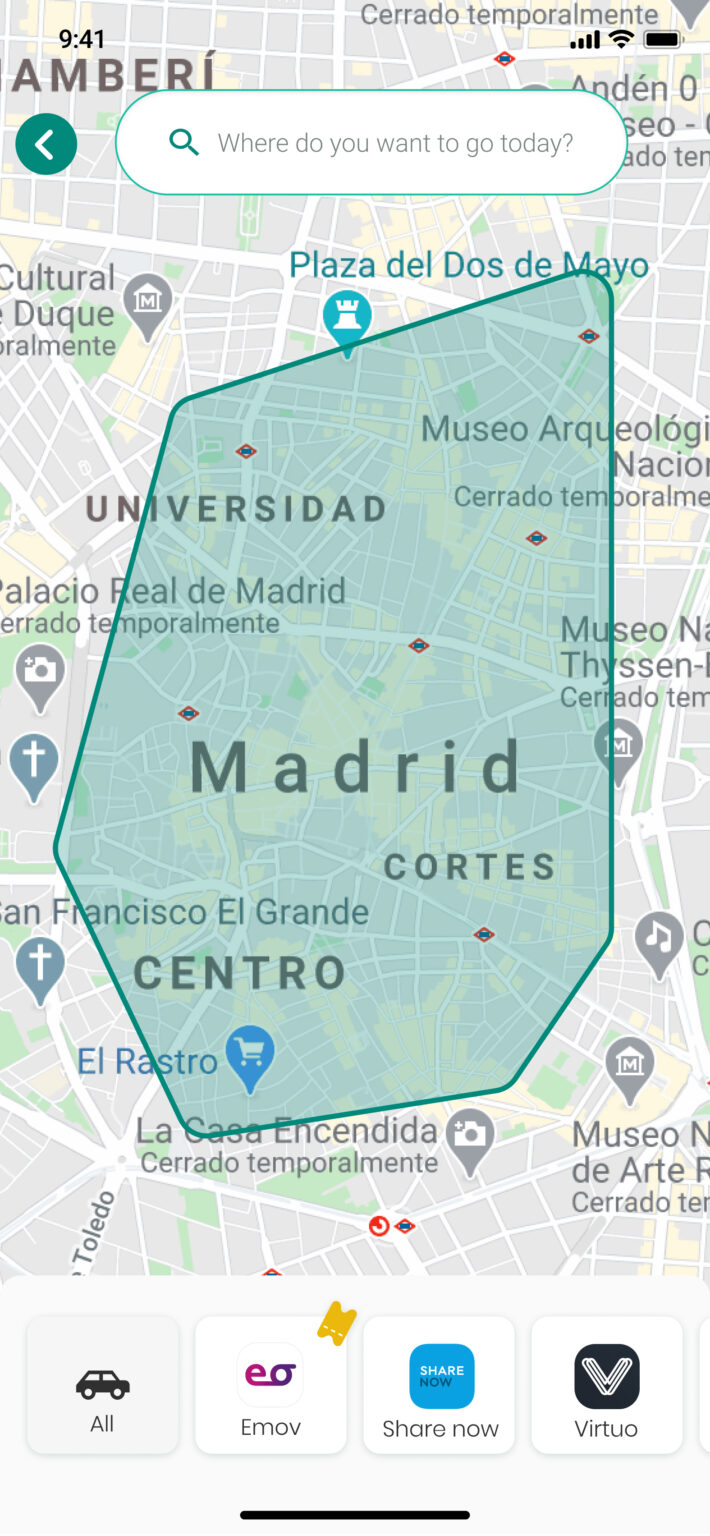
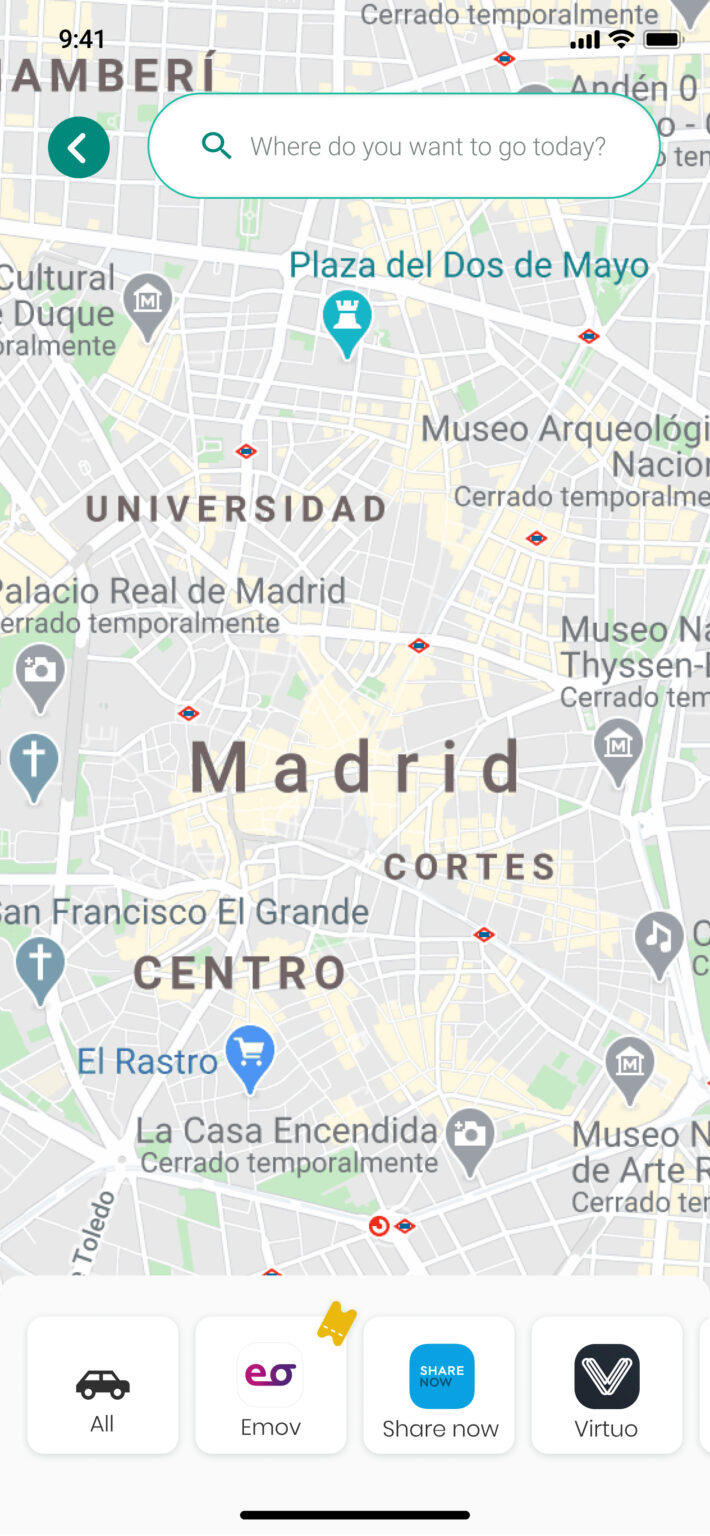
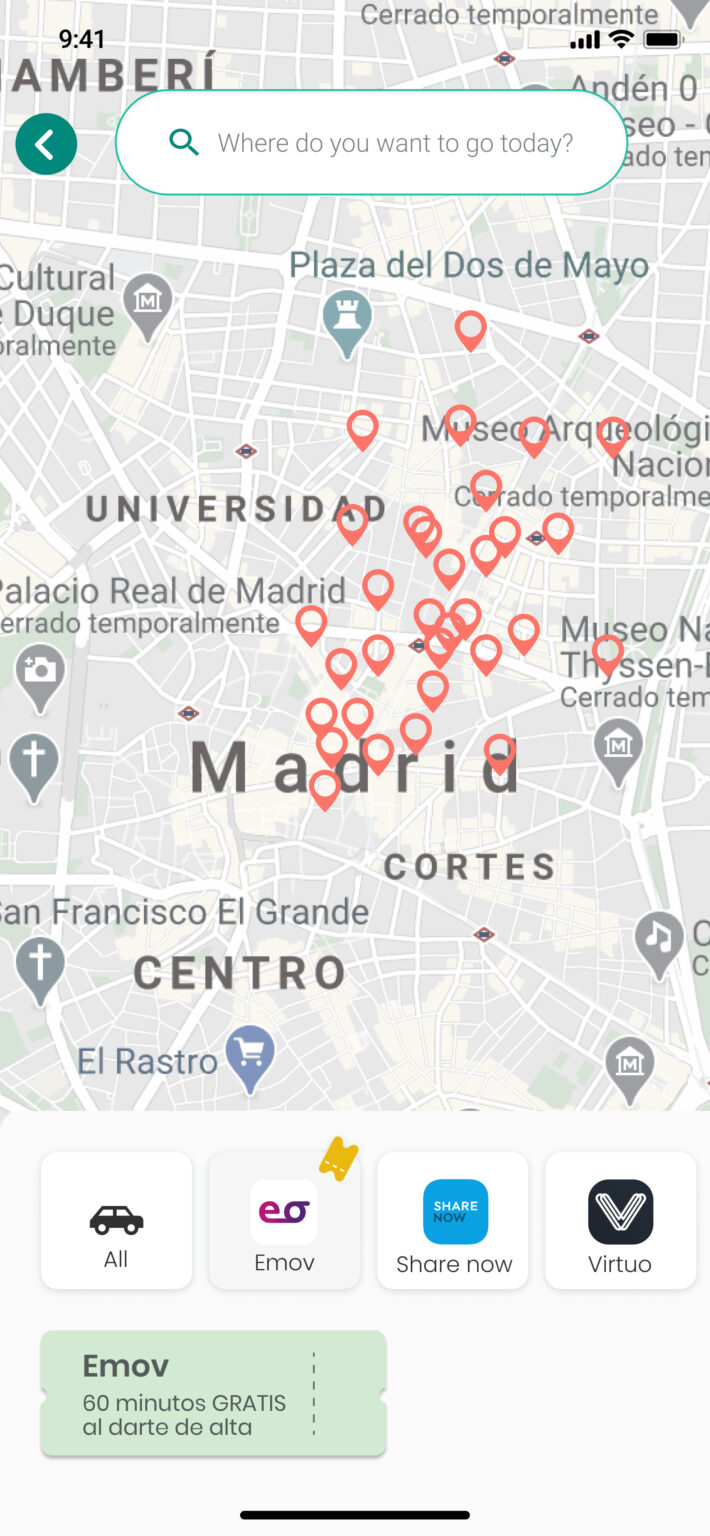
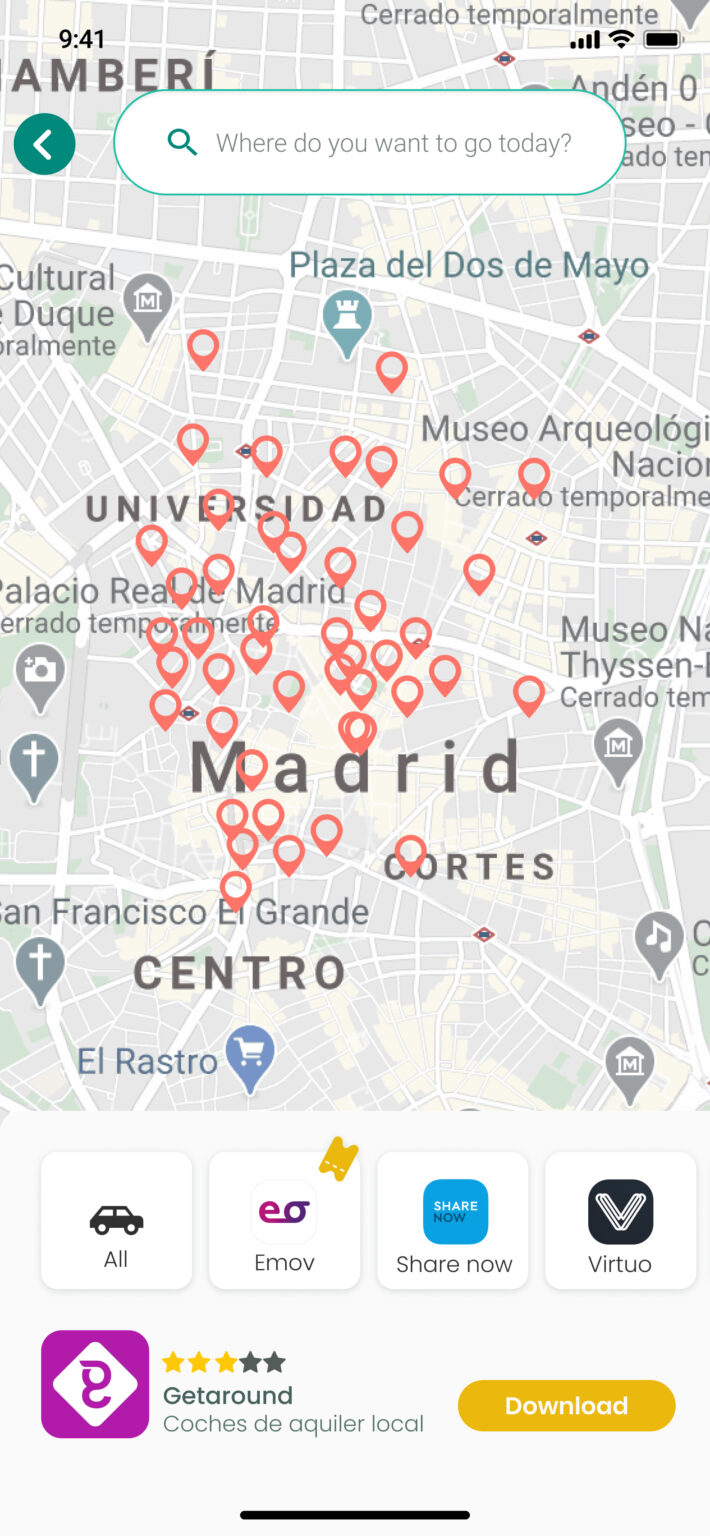
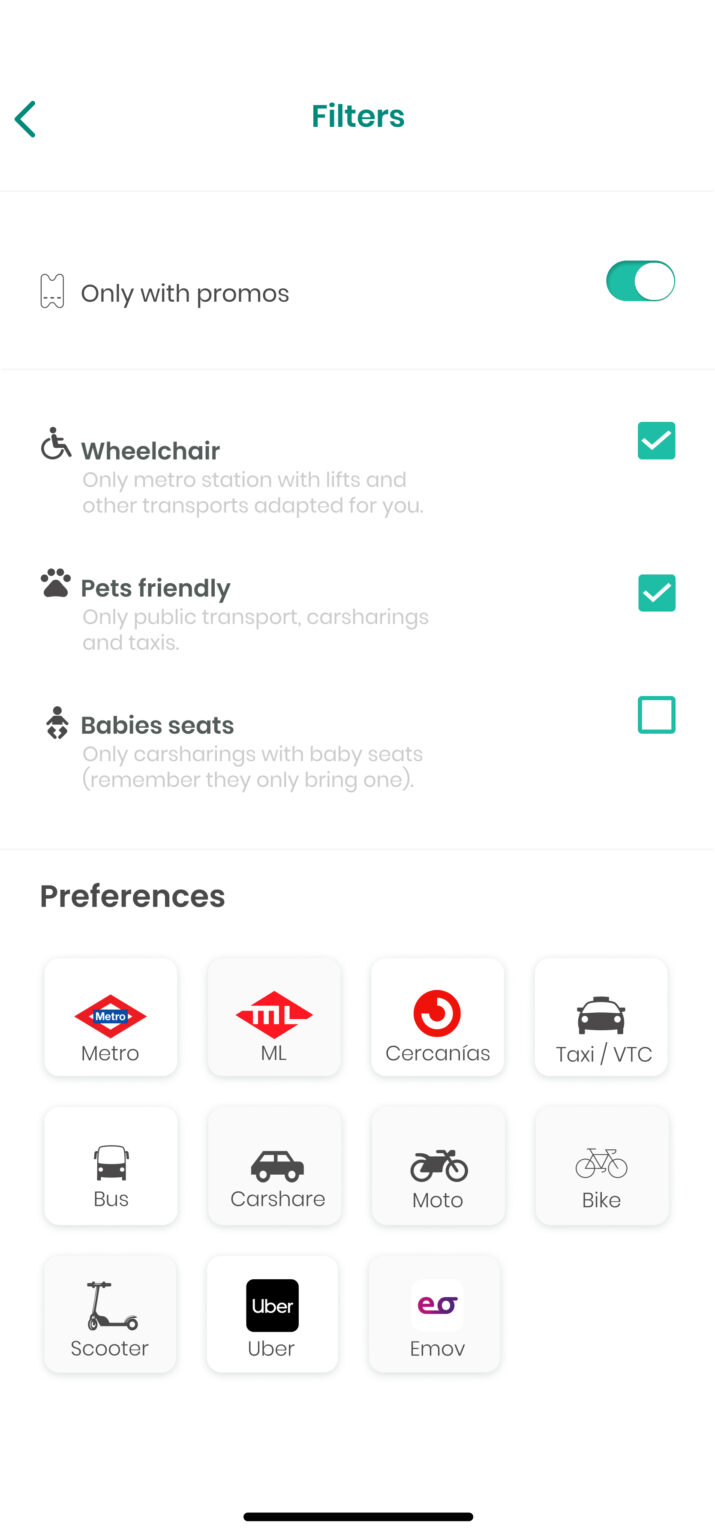
Here is where the users can explore the map filtering it through a particular service. Thanks to this, the user will be able to have a thorough comparison of services and discounts near her/his location.

Green points

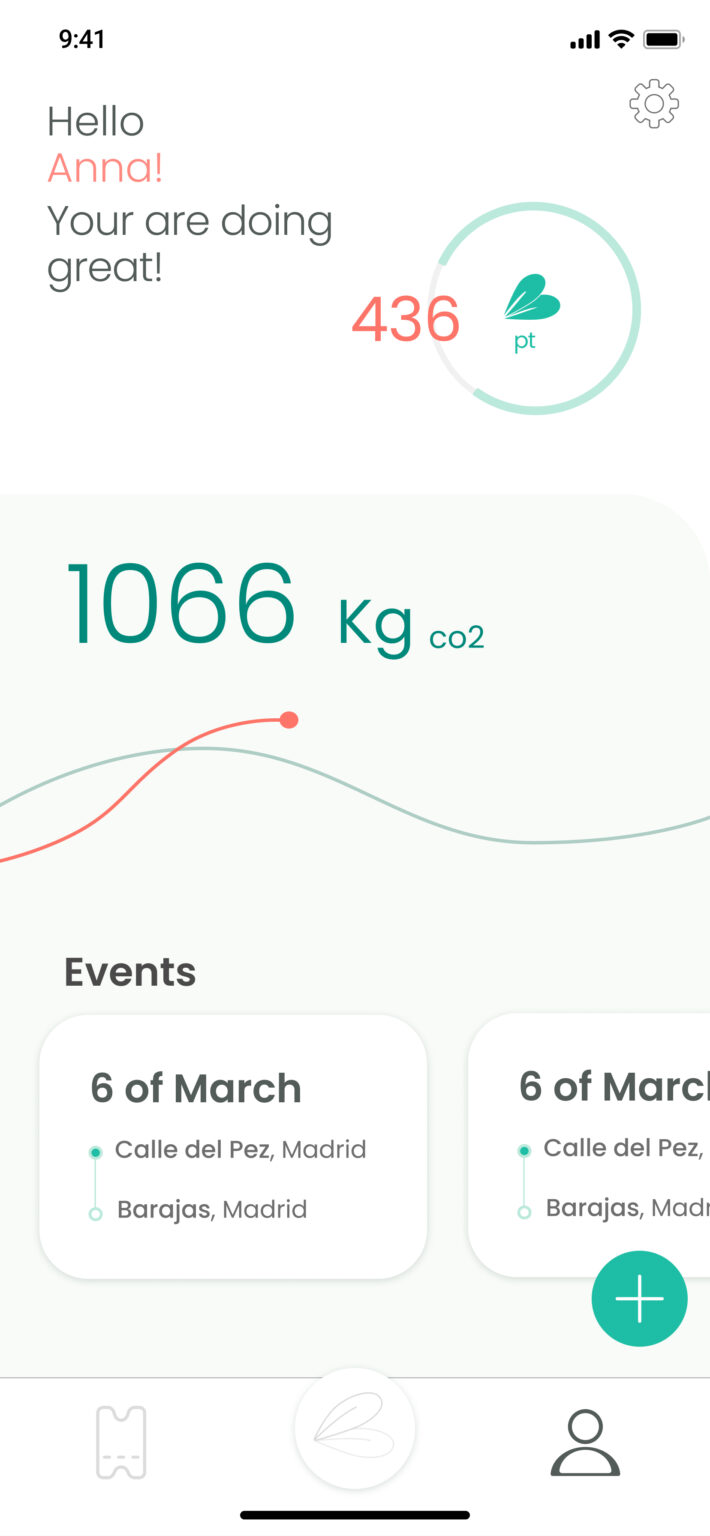
This is the profile feed, where the green points level goals are shown. Here the user is able to know how many green points she might need for obtaining rewards. In addition, the user can check and add events for offers which are suitable just for her.

Discover

Kick off

Desk Reserach & Netnography

We started this project with the Desk Research and Netnography techniques for developing a deeper knowledge of mobility problems in Madrid.

We came to the conclusion that the future of mobility would be very linked to environmental issues and connected to the development of smart cities within an increasing interest in personalising mobility.

Benchmarking

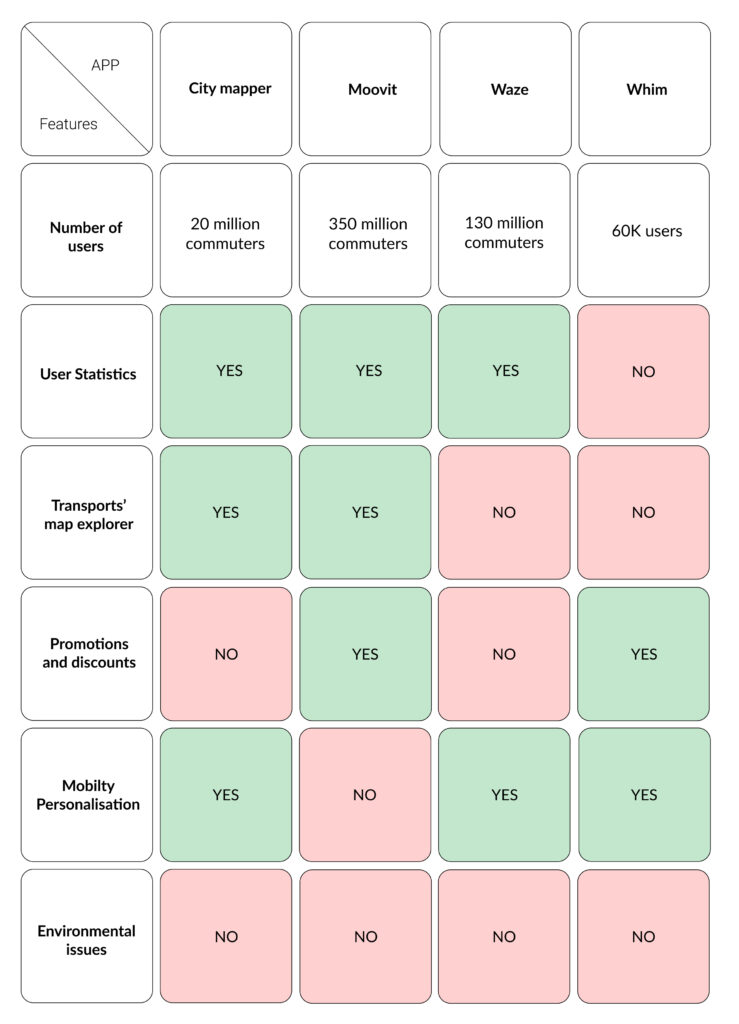
At this time in order to get closer to the tech-market offers, we did a Benchmarking of some of the most popular mobility applications: City Mapper, Moovit, Waze and Whim.

This task gave us a very detailed view of examples of all the mobility functionalities available in the market.

Interviews & Surveys

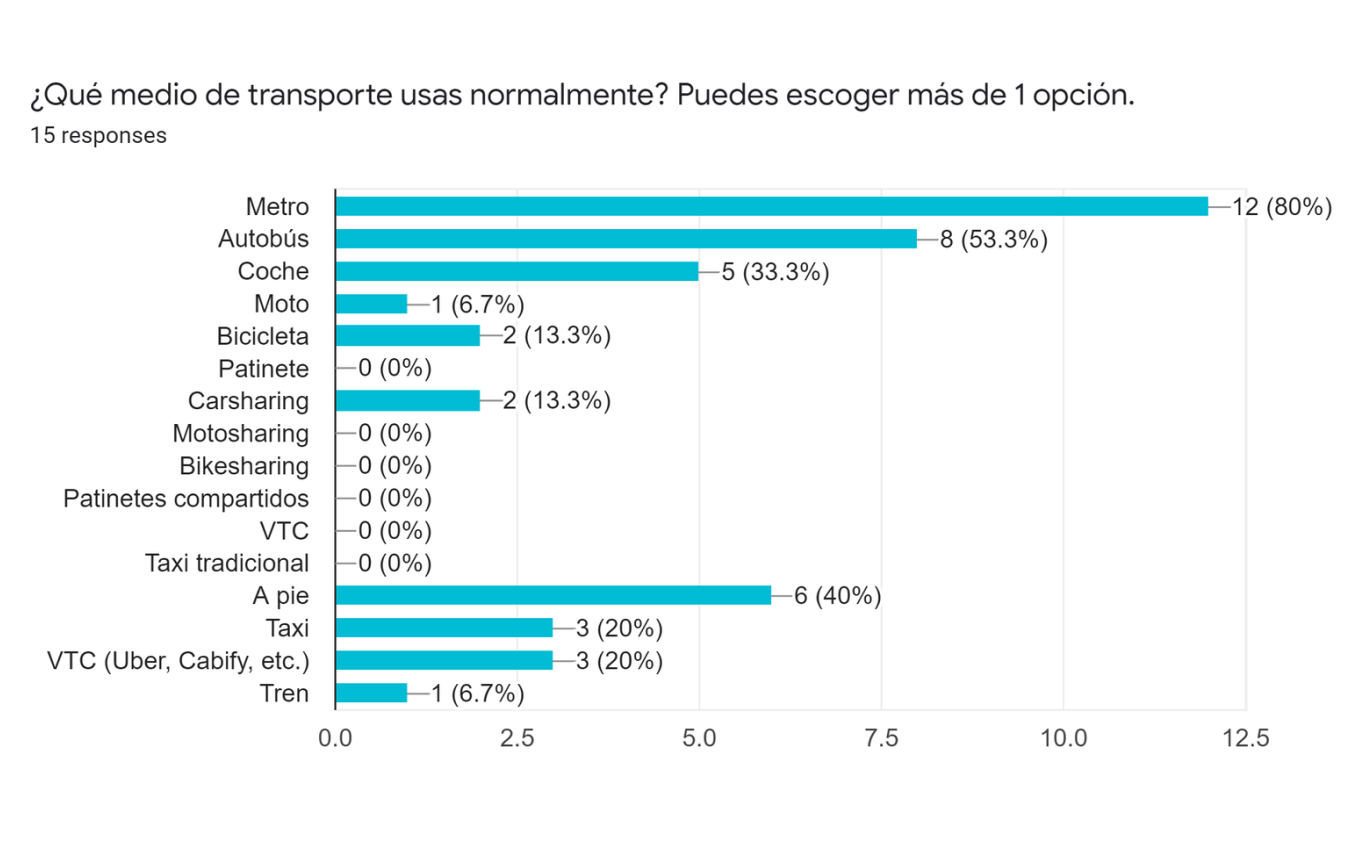
In this part of the project, we used what is called a primary exploratory investigation typology, which in short is the data that comes from our experience and did not previously exist.

These data supply a more accurate research of what designers are looking for through designing and organising interviews and surveys.

Define

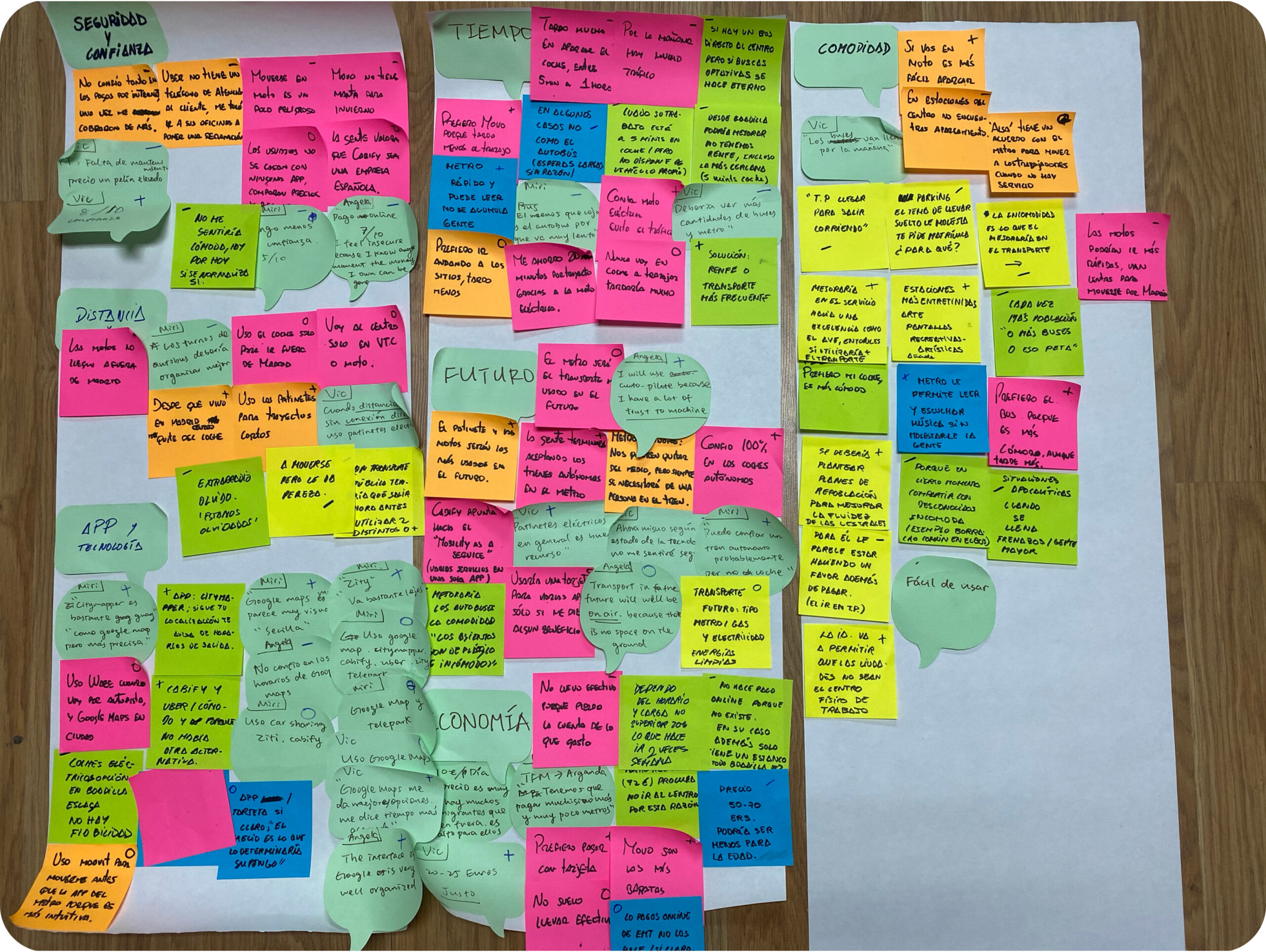
Cluster & Insights

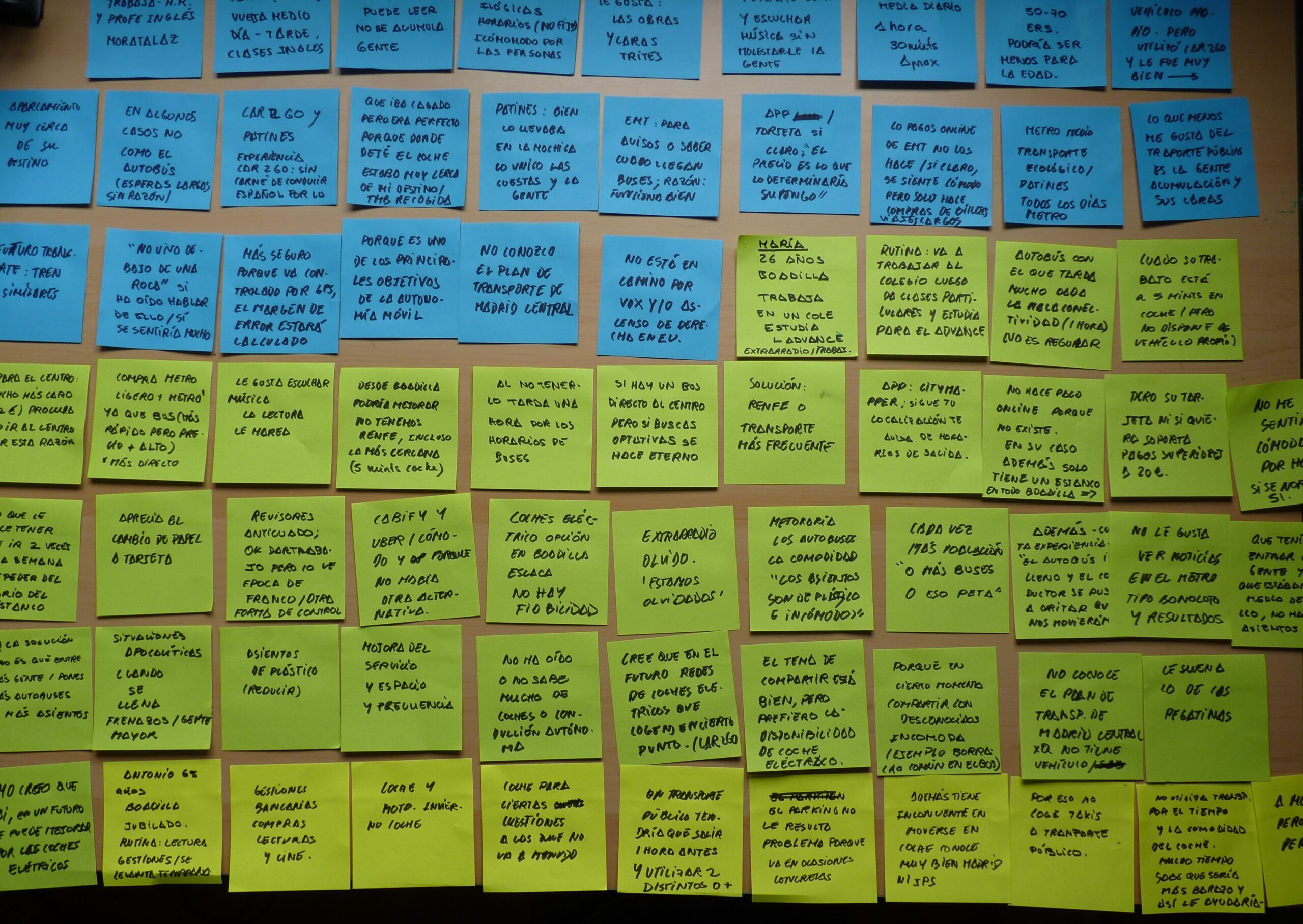
At this point of the research it was important to remember our main goals so we would not get confused with all the information collected, otherwise we could find ourselves developing a very complex solution, product or service. To do so we had to get through the convergent thinking process in this way we could identify problems, solutions and opportunities among all the interviewees’ feelings.

We considered the positive aspects in their experiences, but more importantly the pain points as they would correspond better to the users’ needs.

How could we design a solution without putting ourselves in the user’s shoes?

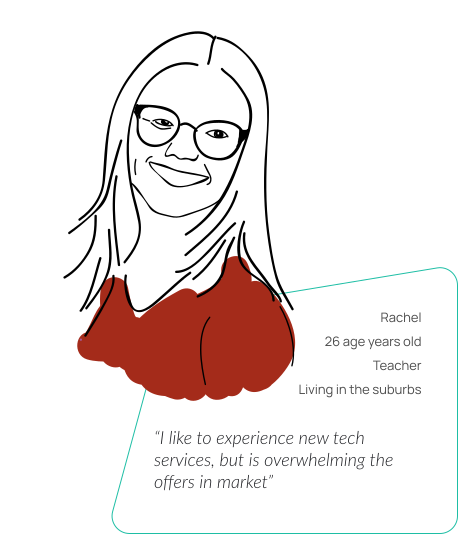
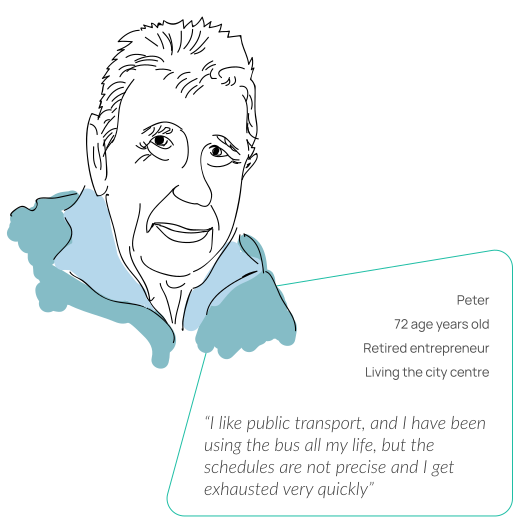
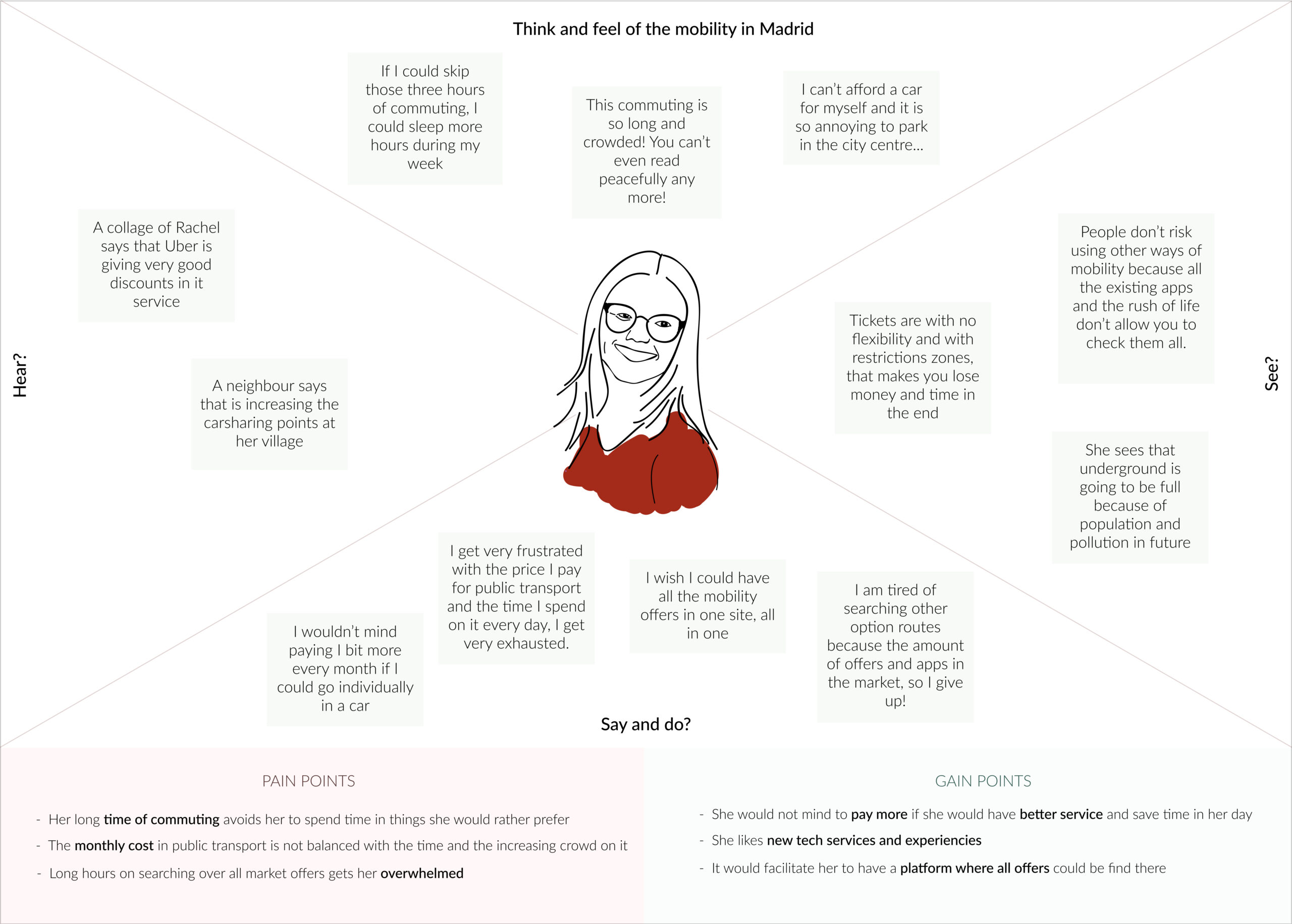
After the insight obtained, we need to understand and empathise better these user problems. That is why the project was followed by the very well known HCD’s (Human Centred Design) techniques: the user persona, the empathy map and the customer journey.

What does she feels?

Develop

User Stories

Goal

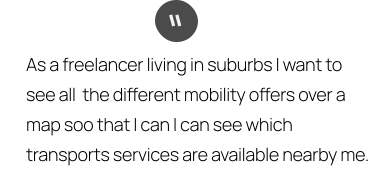
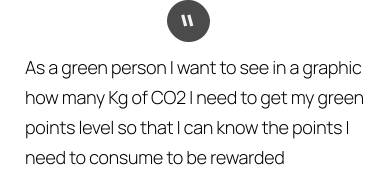
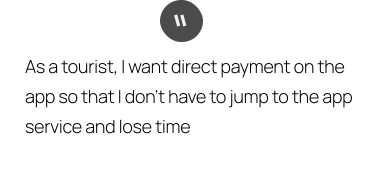
User Stories are meant to identify and materialise the user’s needs. Therefore, I wrote on a table different user stories related to what users want and for what, so I was able to start naming their needs in specific functionalities to be developed in the future. Below are some examples of the main functionalities.

MoSCoW

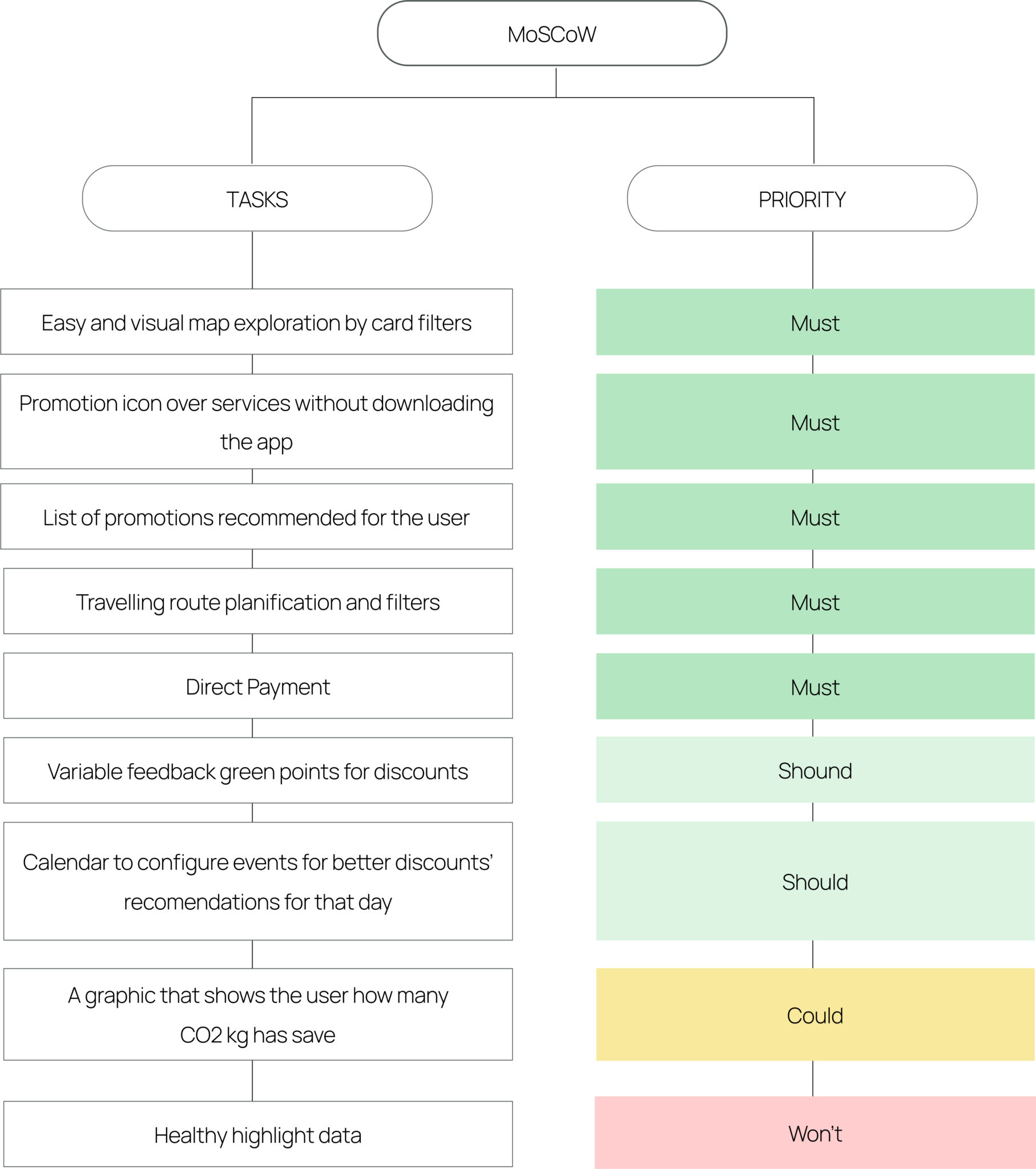
At this point of the project it is very important to know which functionalities are more needed for the MVP being developed while not losing sight of the project goals.

The MoSCoW matrix, this would enable us to better visualise the most essential functionalities to sufficiently and successfully design the MVP under time constraints.

Flowchart

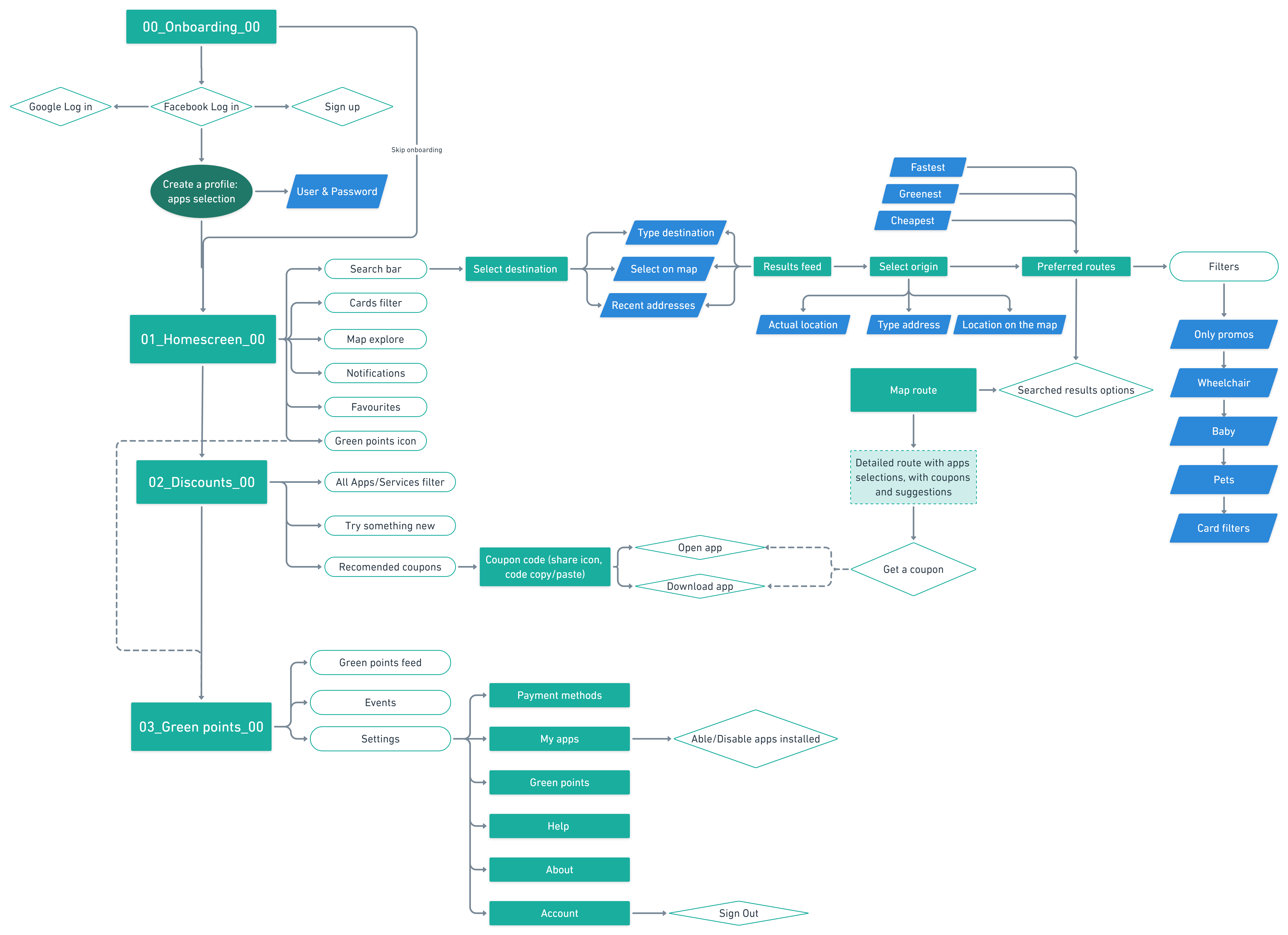
Now we needed to make a flowchart of all the user’s steps navigating through the application and considering what could possibly happen with yes/no decisions.

Delivering

Moodboard

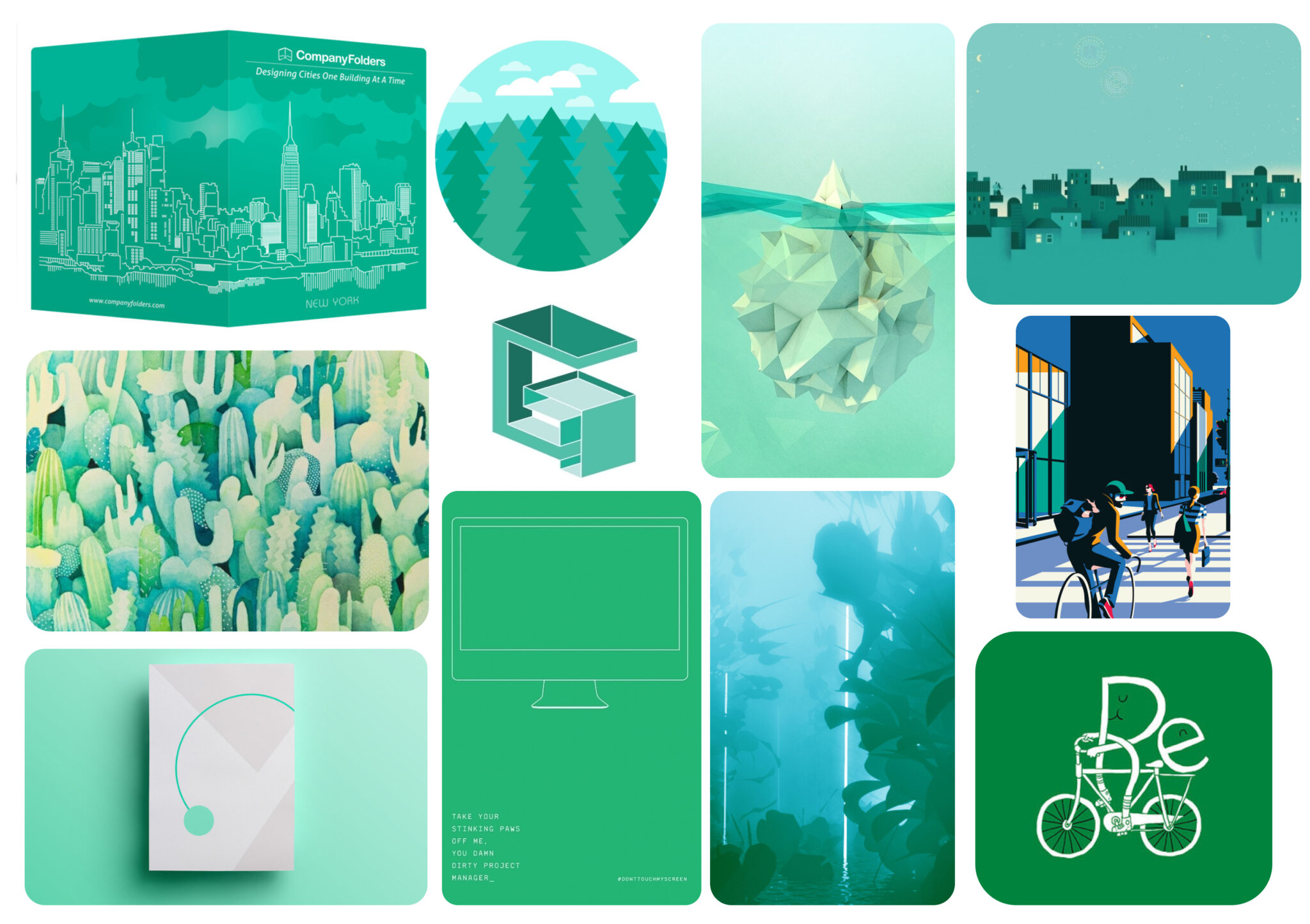
In order to define the style of the application I composed a rapid Moodboard, so I could grasp an idea of what colour and shapes the visual design would look like according to the main goals.

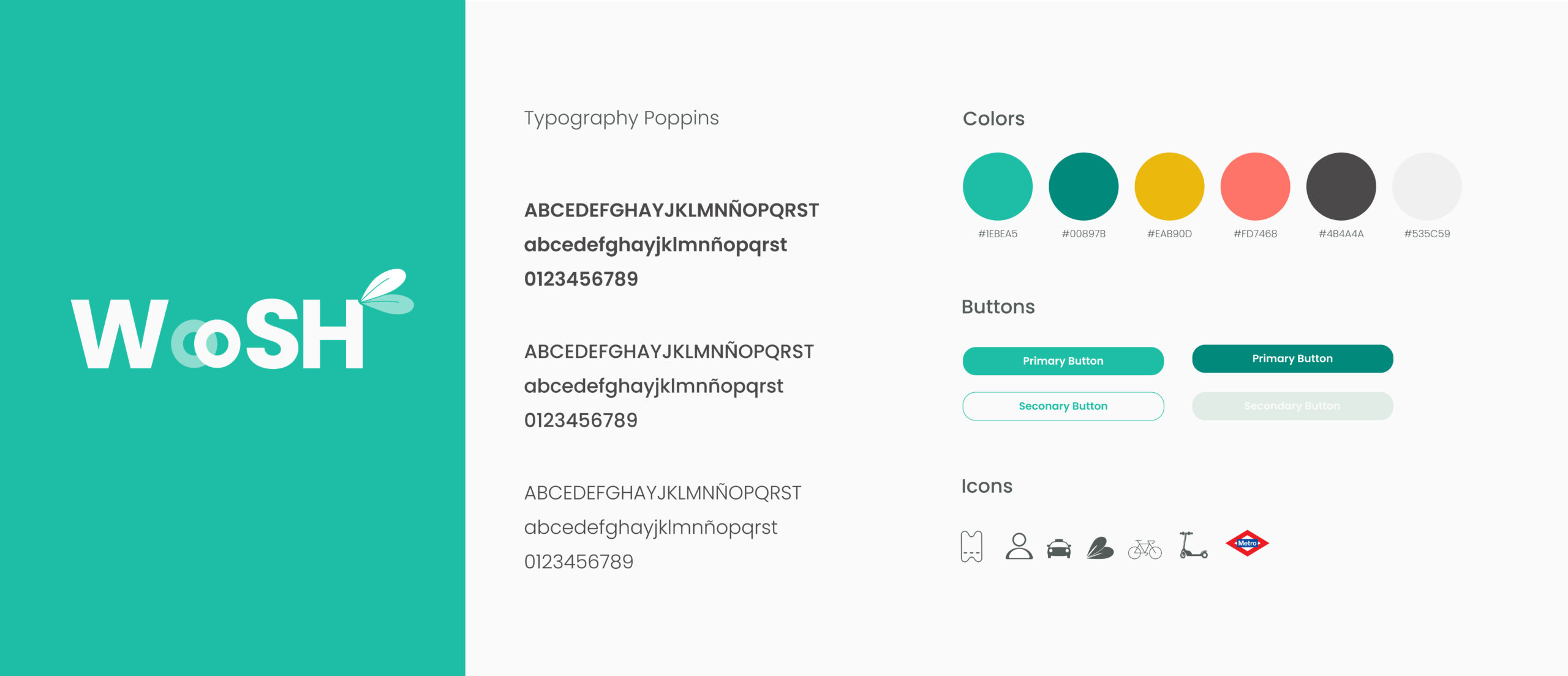
Design System

To see the design system in detail, please check this file: (this type of file is done with the purpose of helping other designers use it in the future of this project if that is the case).

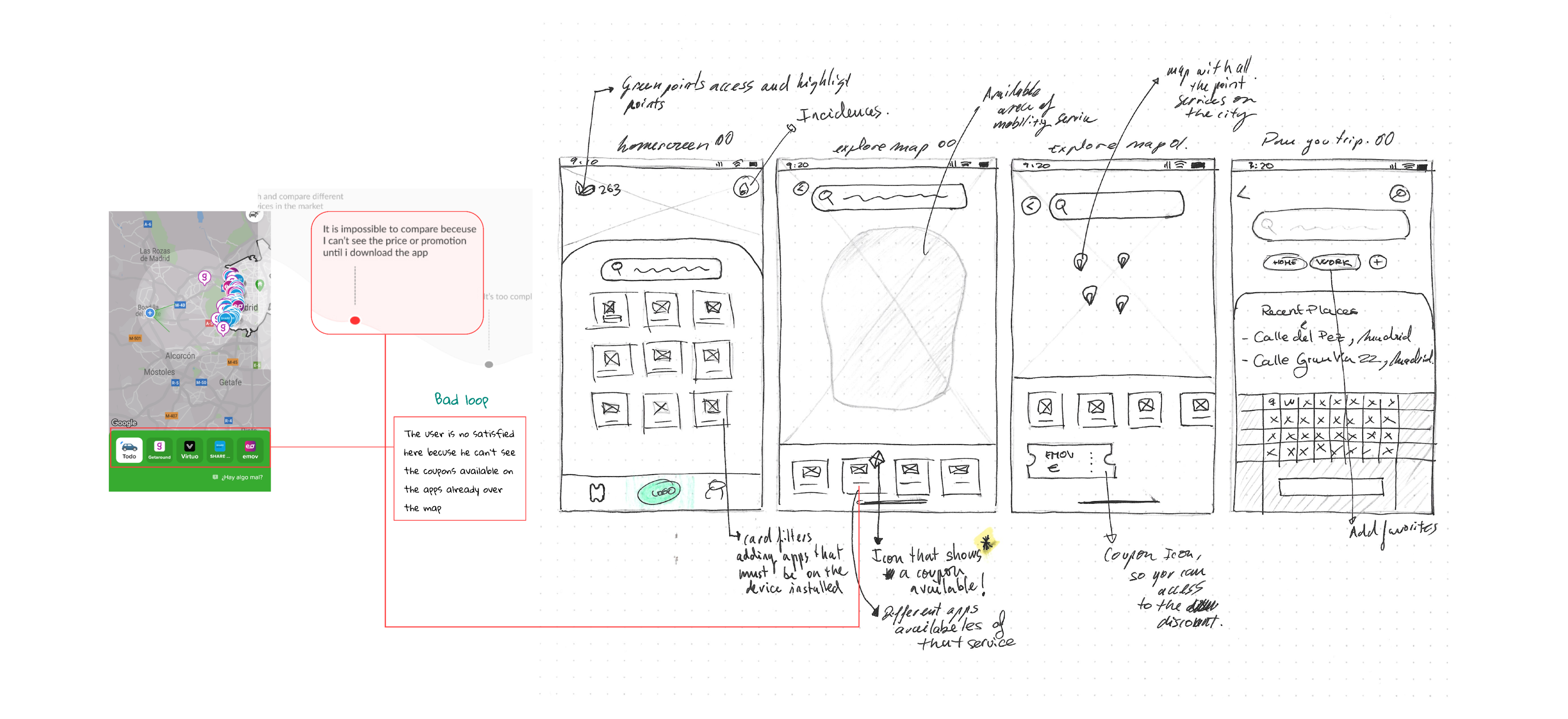
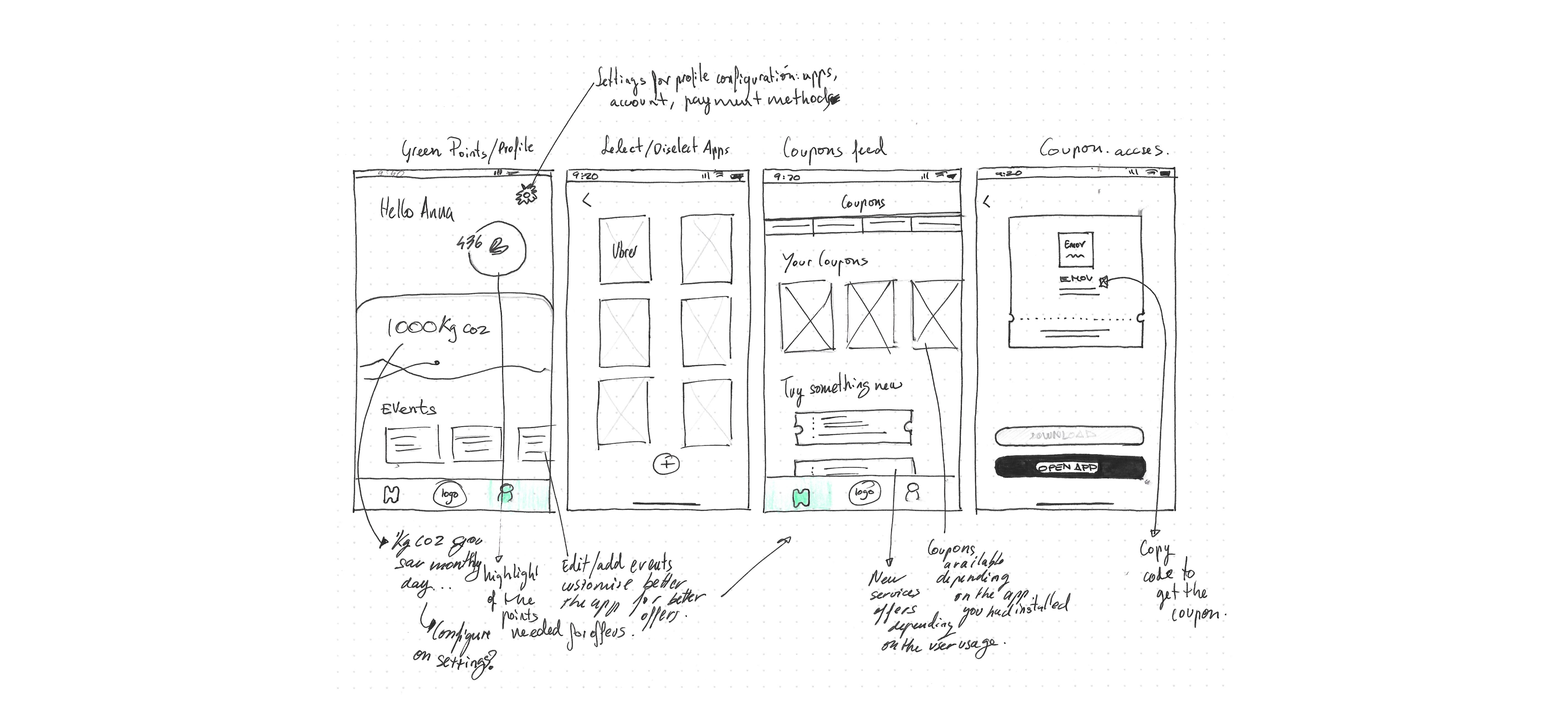
Low fidelity wireframes

Then, I started to sketch the ideas and the screens within their functions and their connections between each other.

The fast handwriting next to the screens allows me to move the ideas back and forth in my mind, so I can think about the concept of the MVP better.

Highfidelity Wireframes

Testing

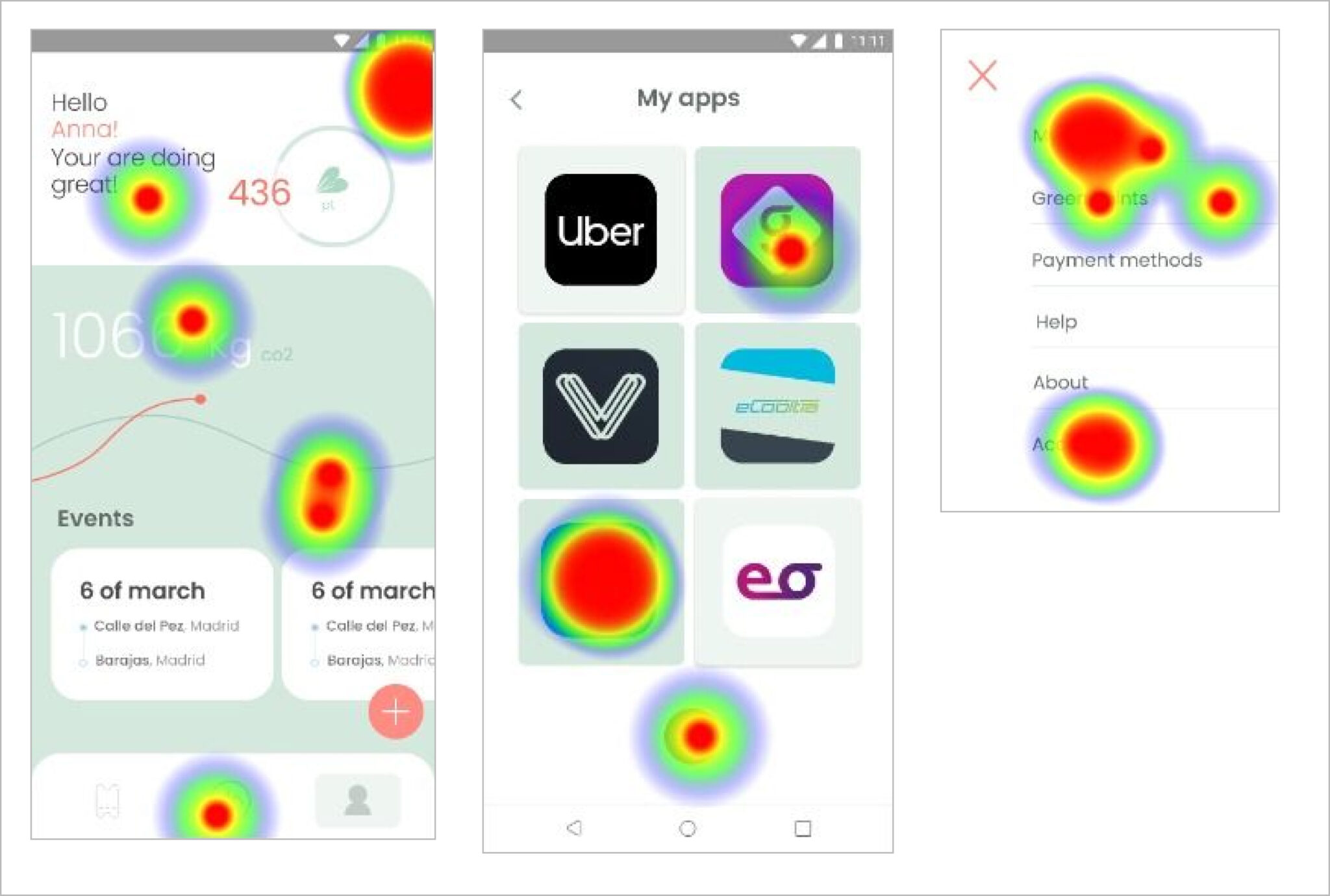
Finally, in order to analyse if the user flow works, the prototype was tested with real users to know what would need to be fixed for better MVP.

Conclusions

This project was my first experience designing something of this sort. However, despite all being an unknown language at the beginning, it was an exhilarating challenge to approach.

By the end, I could understand why and how it was all done. I learned how important it is to find and focus on the user needs in order to convert them into the best functionalities for the future visual design while being always aligned with the business goals.

Lastly, I found out that the Design Thinking process is an open and flexible methodology that can fit to the moment.